MonitorsAsus
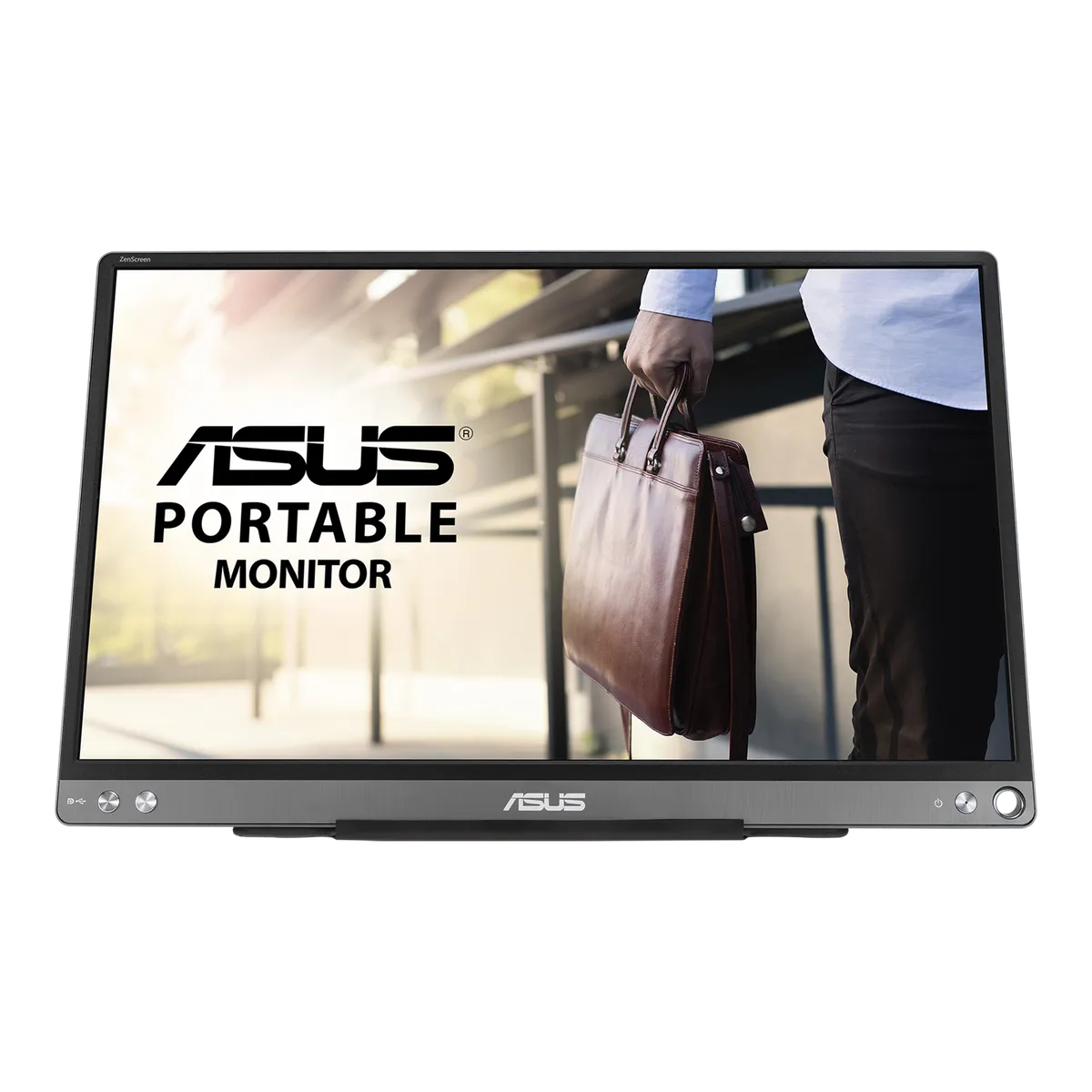
ASUS ZenScreen MB16ACE
MPN: 12352
Best indexed price
Price unavailable
Retailer offers
Amazon UKSearch link
Find on AmazoneBay UKSearch link
Search eBayMore retailers coming
We only list a retailer once we hold verified offer data for it. No placeholder prices, ever.
Indexed prices are snapshots, not live quotes. Confirm price, stock and delivery on the retailer's site — checkout completes there.
We may earn a commission from these links. How it works
Fit check
Add this to your build in the PC Builder to automatically check dimensions, sockets, and power draw.
Related Products



Full Specifications14 fields
General
Model
ZenScreen MB16ACE
Display
- Panel Size (inch) : 15.6
- Aspect Ratio : 16:9
- Display Viewing Area (H x V) : 344.16 x 193.59 mm
- Display Surface : Anti-Glare
- Backlight Type : LED
- Panel Type : IPS
- Viewing Angle (CR≧10, H/V) : 178°/ 178°
- Pixel Pitch : 0.179mm
- Resolution : 1920x1080
- Brightness (Typ.) : 220cd/㎡
- Contrast Ratio (Typ.) : 800:1
- Display Colors : 260K
- Response Time : 5ms(GTG)
- Refresh Rate (Max) : 60Hz
- Flicker-free : Yes
Features
- Trace Free Technology : Yes
- SPLENDID Technology : Yes
- Color Temp. Selection : Yes (4 modes)
- HDCP : Yes
- DisplayWidget : Yes
- Low Blue Light : Yes
Audio
Speaker : No
I O Ports
USB-C x 1 (DP Alt Mode & USB 3.2)
Power Consumption
- Power Consumption : <8W
- Power Saving Mode : <0.5W
- Power Off Mode : <0.5W
- Voltage : DC: 5V, 3A
Mechanical Design
Height Adjustment : No
Dimensions Esti
- Phys. Dimension (W x H x D) : 35.97 x 22.64 x 0.80 cm (14.16" x 8.91" x 0.31")
- Box Dimension (W x H x D) : 43.40 x 31.00 x 7.60 cm (17.09" x 12.20" x 2.99")
Accessories Vary By Regions
- Warranty Card
- USB-C cable
- USB Type-C to A adapter
- Quick start guide
- ASUS Smart Case
Certificate
- TÜV Low Blue Light
- TÜV Flicker-free
Note
Brightness can reach the maximum 250 cd/m2 in USB-C DP Alt mode and typical 220 cd/m2 when in USB 3.0 mode.
Physical Dimensions
Length Mm
359.7
Width Mm
226.4
Height Mm
8